About Blade Toss
Five rounds add speed, hazards, and tighter gaps. Each round gives you three hearts, so a clear with all three is a perfect read rather than a lucky streak. The log keeps turning while you line up the next throw, which is where most of the tension lives.
Clears pay gold and stars. The gold locker holds permanent blade skins, and the premium star locker keeps the flashier designs. The run is short, the retry is instant, and the score is a direct record of how well you read the spin.
How to play Blade Toss
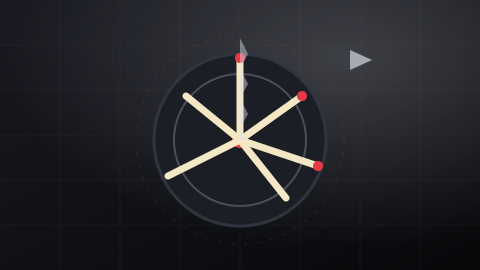
- Press Space, click, or tap to throw a blade at the spinning log.
- Aim for a gap between the blades already stuck in the log.
- Avoid red charges and blade clashes; each one costs a heart.
- Clear the target with at least one heart to finish the round.
- Spend gold and stars on new blade skins, then chase a cleaner clear.
Blade Toss controls
| Input | Action |
|---|---|
| Space, click, or tap | Throw a blade |
| R | Restart the round |
| Touch | Tap anywhere on the play area |
Blade Toss tips
- Throw when a gap is already under your blade, not when it is still approaching.
- Red charges are not targets. Treat them as part of the wall.
- Do not rush the last two blades; the log keeps spinning at the same speed.
- Aim slightly ahead of a fast gap so the blade meets it as it rotates into place.
Blade Toss FAQ
How many rounds are in Blade Toss?
There are five rounds, each with a different speed or hazard pattern.
How many hearts do I get?
Three hearts per round. A blade clash or a red charge costs one.
Is Blade Toss a one-button game?
Yes. Space, click, or tap is the only action you need.