About YouTube Simulator
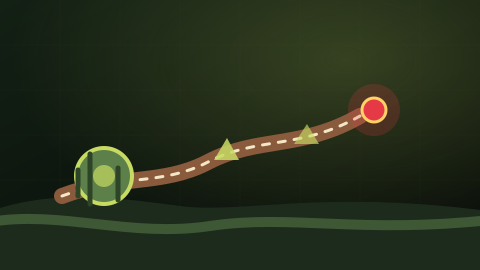
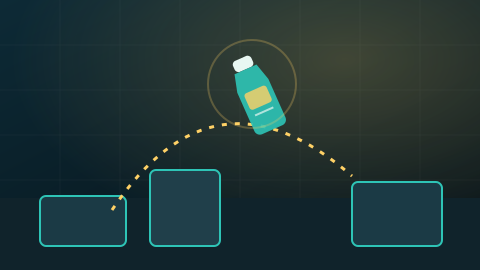
The five minigames are Raid Rush, a squad shooter with auto-firing recruits and a scrap-built arsenal; Clip Chase, a rooftop runner with film reels and combos; Beat Drop, a synthwave rhythm track that ramps from 118 to 168 BPM; Paper.io, a territory-claim arena; and Chat Blitz, a live-chat survival round. Every game gets a turn before the rotation reshuffles, and all five run on a harder tuning pass.
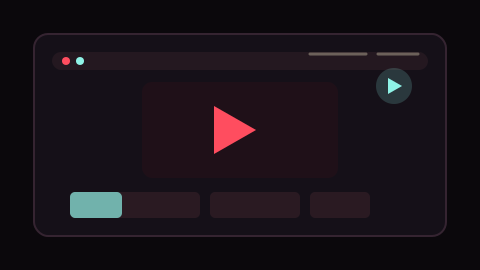
Cut three recorded clips into a Hook, Build, and Payoff timeline in ClipBay, then post the render in Tube. Early uploads earn almost nothing; reach and subscriber conversion scale with retention and your gear. A simulated comment feed reacts to the render quality, and publishing milestones pay stars for permanent channel themes in the Premium Shop.
How to play YouTube Simulator
- Create a channel and open the recording app to start the next minigame.
- Play the minigame, then take the recorded clips into ClipBay.
- Drag three clips into the Hook, Build, and Payoff slots in a sensible order.
- Render and publish the video in Tube, then read the views, subs, and comments.
- Spend the revenue on PC and setup upgrades before recording the next upload.
YouTube Simulator controls
| Input | Action |
|---|---|
| Mouse | Navigate apps, record, and publish |
| Drag and drop | Place clips in ClipBay timeline slots |
| Minigame controls | Move, jump, aim, or hit the beat with Space and click |
| 1-4 | Switch weapons in Raid Rush |
YouTube Simulator tips
- A clean three-slot edit beats a rushed upload. Retention drives reach more than volume.
- Do not ignore PC and setup upgrades; they change how the algorithm treats your renders.
- When a clip does not fit the hook, use a shorter clip and keep the payoff clear.
- Watch the comment feed for a hint about what the audience disliked.
YouTube Simulator FAQ
Can I choose which minigame to record?
No. The algorithm rotates all five minigames and picks the next recording for you.
How do I get more subscribers in YouTube Simulator?
Publish edits with strong retention, upgrade your PC and setup, and keep posting as the channel grows.
Is YouTube Simulator an official YouTube product?
No. It is an original creator-career simulation made by GameX.