About Soft Body Simulator
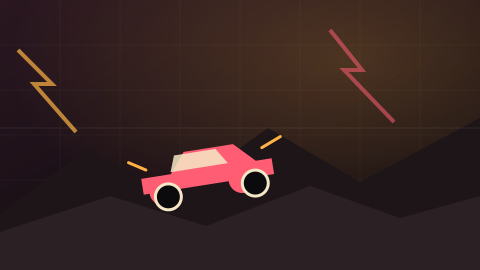
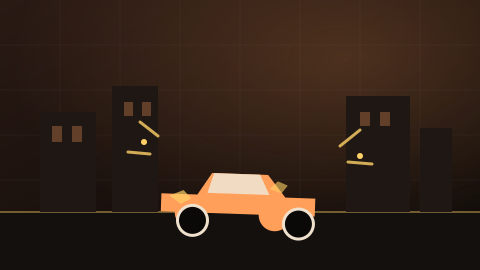
The truck uses soft-body deformation, so every impact leaves a different shape behind. A gentle nudge dents a panel; a full-speed hit folds the front end and throws the chassis off line. The city is a playground rather than a race track, and the reset button is part of the flow: crash, inspect the damage, then try a faster or cleaner line.
Keyboard and touch controls cover throttle, steering, brake, handbrake, and camera. Chasing a speed record and chasing maximum damage pull in different directions, which is the point. The camera can orbit and zoom so you can see the deformation up close before the next run.
How to play Soft Body Simulator
- Use W or Up to accelerate, A and D to steer, and S or Down to brake or reverse.
- Press Space for the handbrake to rotate the truck or set up a slide.
- Drive into the city props and buildings to deform the pickup.
- Press R to reset the truck with a fresh body and a new line.
- Use C to change the camera and drag or scroll to orbit and zoom.
Soft Body Simulator controls
| Input | Action |
|---|---|
| W / Up | Throttle |
| A / D | Steer |
| S / Down | Brake and reverse |
| Space | Handbrake |
| R | Reset the truck |
| C | Change camera |
| Drag and wheel | Orbit and zoom |
Soft Body Simulator tips
- Build speed before a big impact; a slow nudge only dents the bumper.
- The handbrake rotates the truck faster than steering alone.
- Reset often. A clean chassis is easier to aim than a folded one.
- Try a cinematic camera angle to see how the body deforms after a hit.
Soft Body Simulator FAQ
Is Soft Body Simulator a full driving game?
No. It is a crash sandbox: the city is a playground for deformation and stunts.
Does it work on mobile?
Yes. On-screen steering, throttle, brake, handbrake, and reset controls are included.
What is the goal?
Chase speed, damage, and medals. There is no single required route.